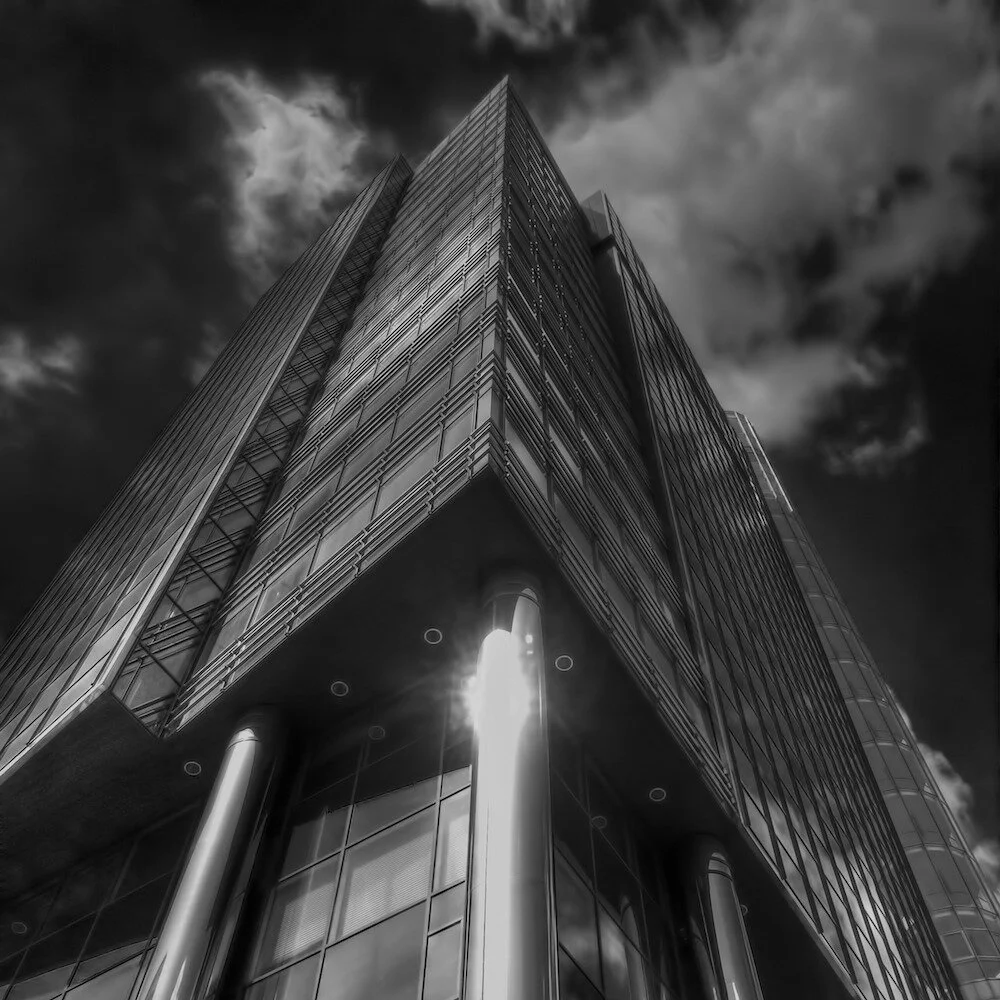
How to take Bracketed Photos with an iPhone for HDR
In this tutorial I’ll explain how you can take bracketed shots with iPhone to create HDRs on iPhone or notebook.

Everything you need to know about mobile shooting, editing workflows and gear.
Here you will find all articles, tutorials, and recommendations about iPhone photography – from the best camera apps to advanced editing workflows.
In this tutorial I’ll explain how you can take bracketed shots with iPhone to create HDRs on iPhone or notebook.
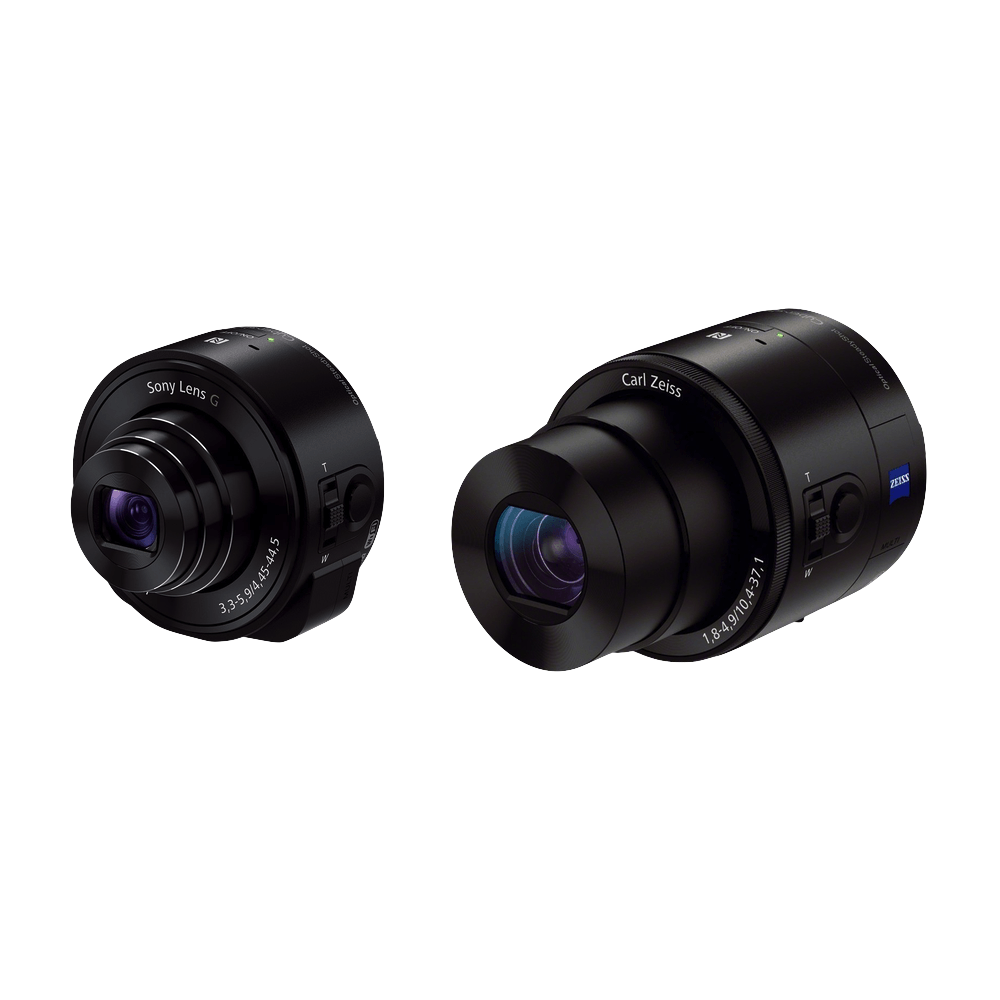
A review and comparison of the Sony QX10 and QX100 attachable lens style cameras in combination with iPhone. Which one is right for you?
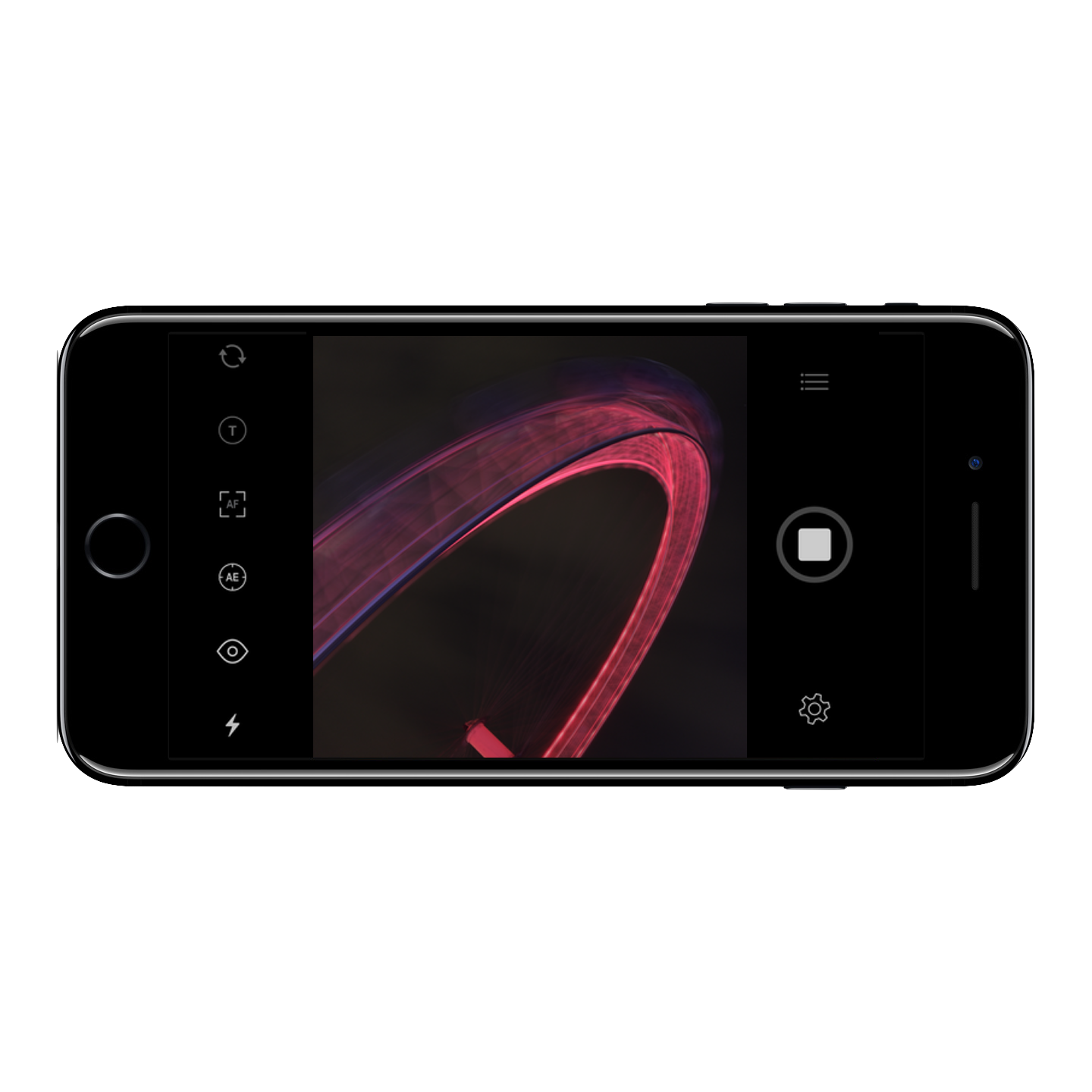
An easy-to-use camera app for capturing long exposure photos of 30 seconds or longer during my trips - from rivers to waterfalls to fireworks. Updated for iPhone 16
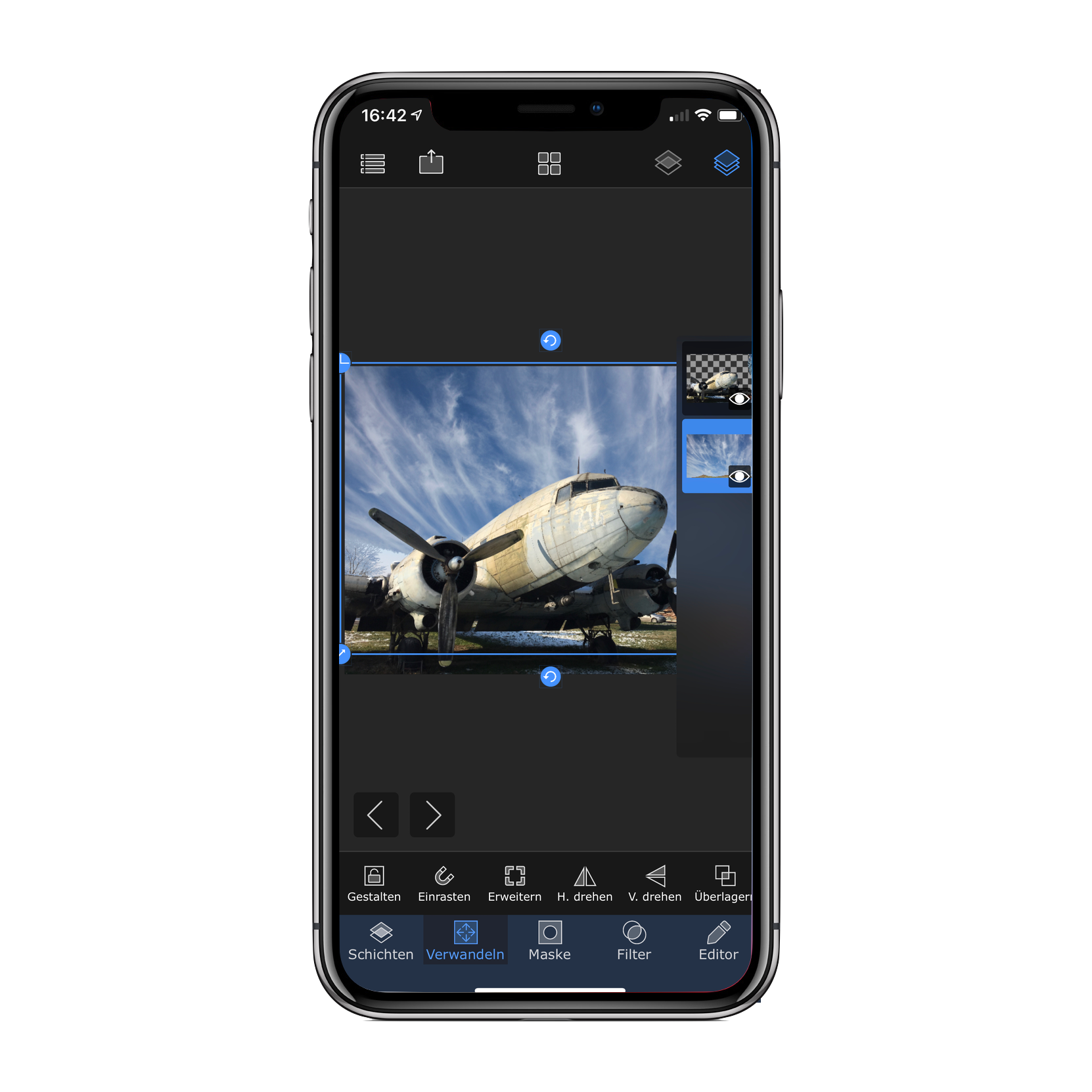
With this app you can create photo compositions by layering two photos. I use it frequently to exchange the background, e.g. sky, of a photo.
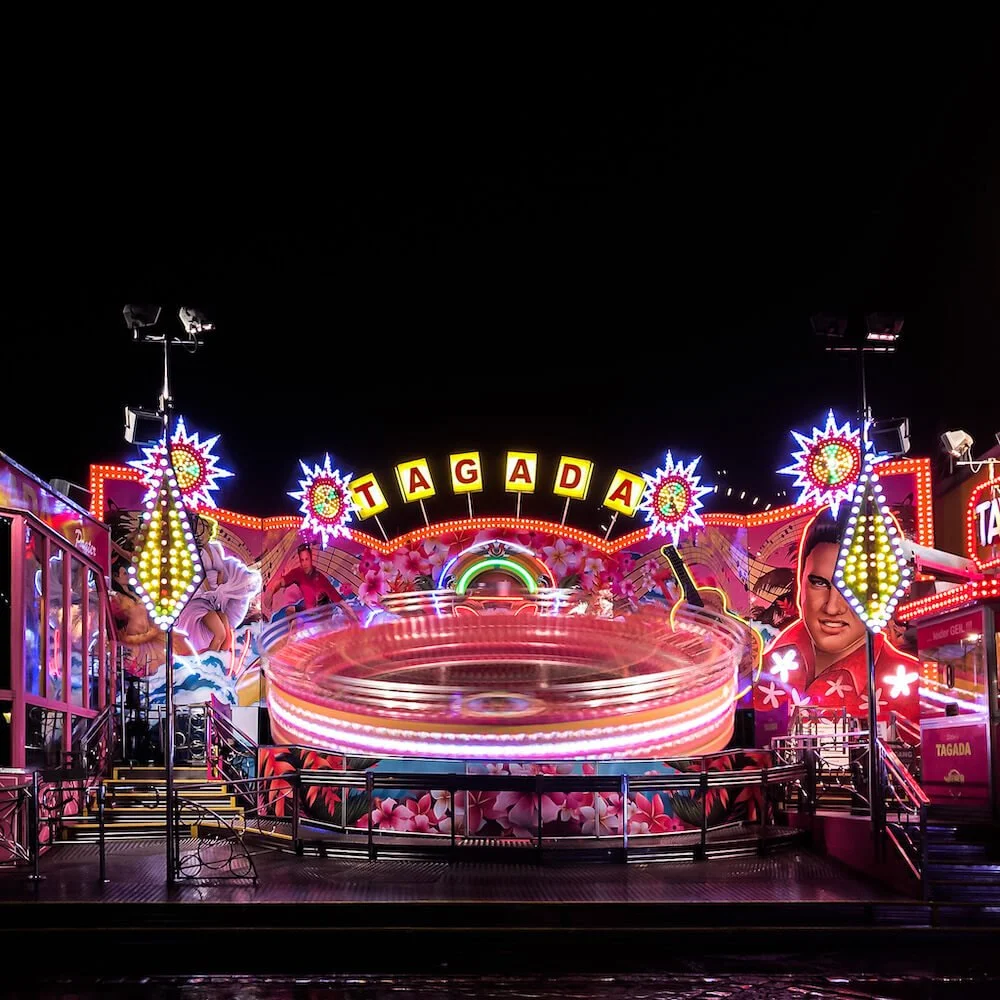
Learn how to take stunning photos of fairground rides at night with iPhone. Tutorial updated 2018.
See how you can create photo compositions by simply layering two images and replace the background of a photo on your iPhone.
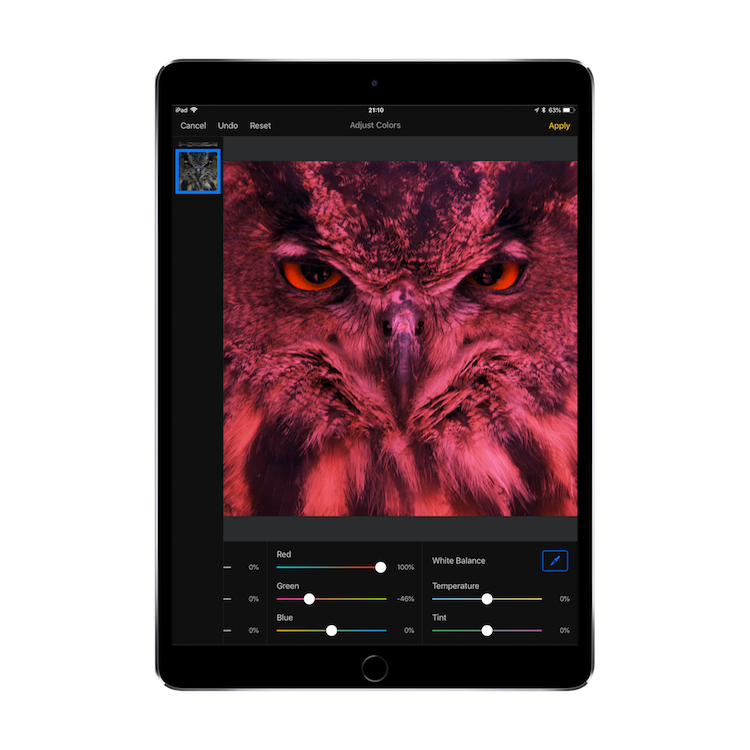
As I’m moving more and more towards iPhone only photography, I’m trying different apps to edit and retouch photos like I did on my laptop.
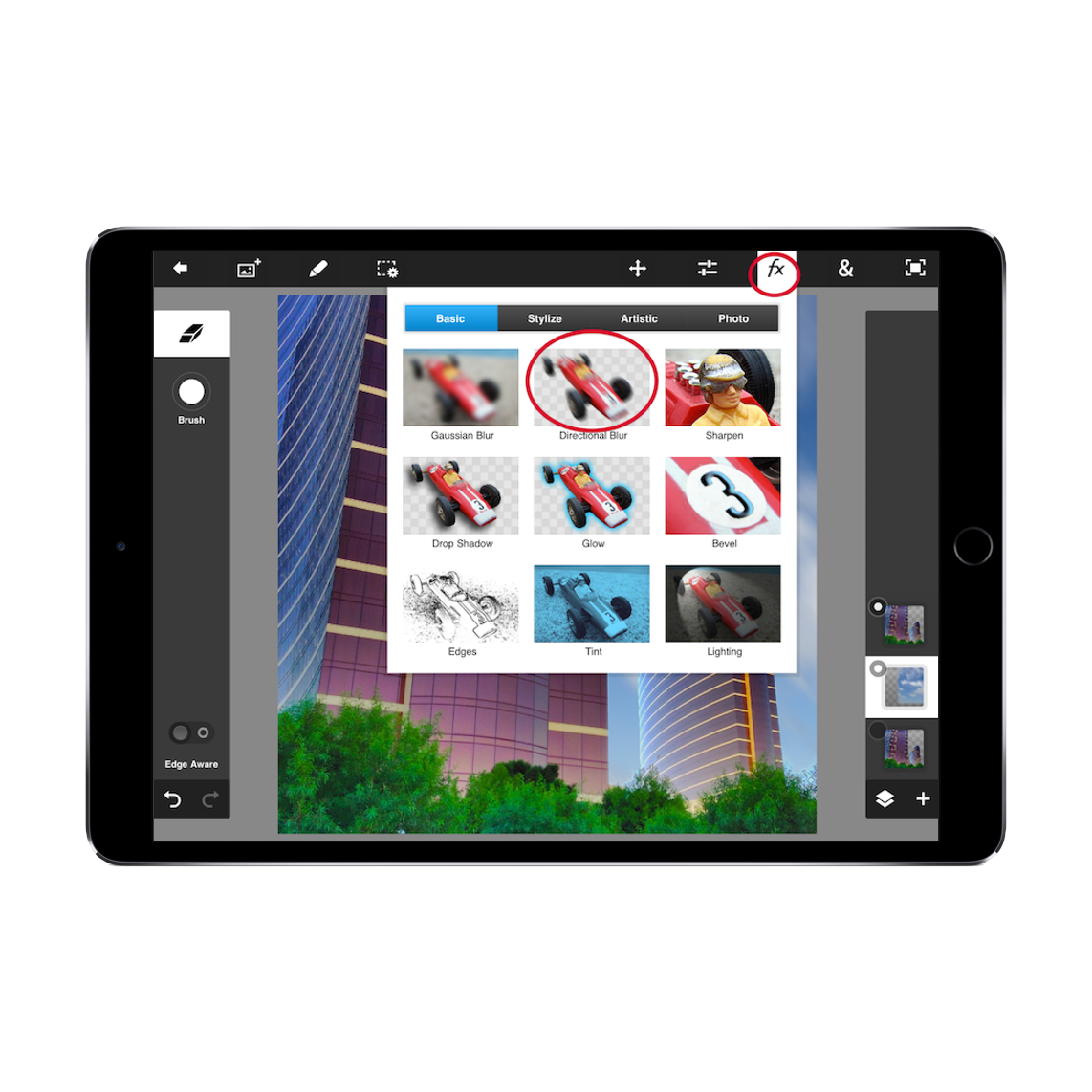
Now that Pixelmator was released for iOS I’m familiarizing myself with the iOS version buy recreating some edits that I previously did on my laptop.
Since I began using Hipstamatic and Instagram, I fell in love with the square photo format. Here’s why.